
When developing your data integration procedures, you will need to contemplate the ideal file format for your team based on your particular uses. The top data ports from agencies will let you choose from CSV (.csv) or XML files, which allows for the best compatibility. By selecting a system that supports either format, you can change your format policy in the future with minimal challenges.
A closer look at XML
XML is highly flexible and supports a nested structure. This means that when using the XML format, data points can feature subcategories for additional organization. It does require a bit more processing power than some of the other file format types, but it is still incredibly popular. Some of this is due to the bulky nature of XML due to attributes, tags, and more. This means that even small data quantities can require a great deal of network bandwidth. In fact, XML is largely considered to be the most commonly used data format online. Because of this, XML tends to be ideal for any data used for projects related to the web. XML is also considered the most readable format for data so far.
A closer look at CSV
CSV is considered a flat structure of data format. It is highly convenient because it requires fewer technical skills and you can access files of this format with most applications. Additionally, CSV is significantly smaller than XML, requiring less processing power. The problem with CSV is that you must set the encoding within the application responsible for handling the file. Otherwise, the characters will not display properly. Because of its unique features, CSV is not ideal for complex data projects or those on a larger scale. CSV simply is not ready to deal with complexities in data. Instead, it works best for more or less flat schema, even if the data is big. CSV remains a very popular format for files of all types.
Considerations in your decision
When choosing between the two data formats, remember to keep compatibility with your system in mind, which should be a no-brainer. You also want to think about flexibility, storage space and the amount of processing power required.
ARMS data port allows for either format for exports
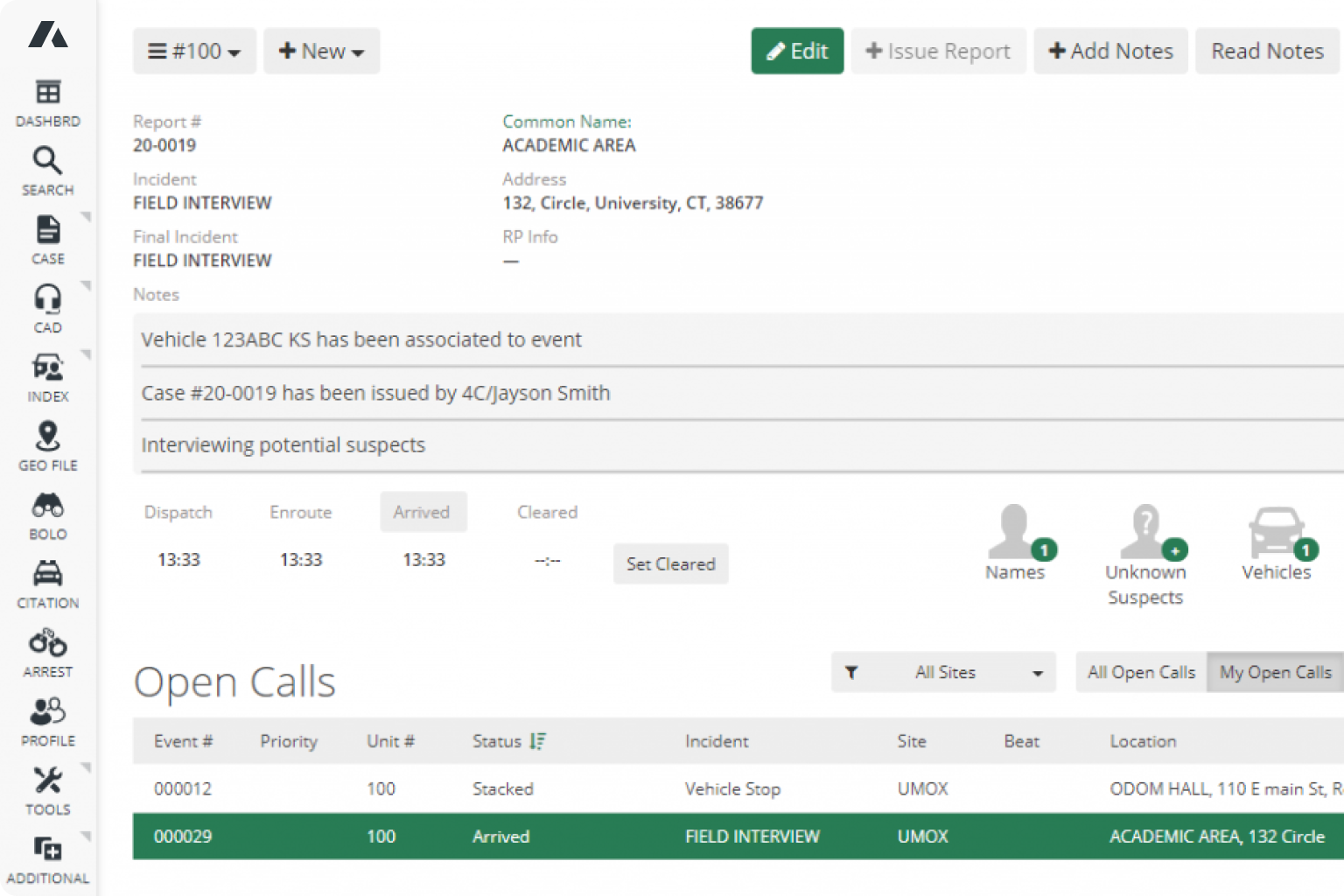
As mentioned earlier, the best systems will let you choose either CSV or XML formats for your data and work well with both. ARMS is the perfect example of this as it allows for exporting data with either XML or CSV files. You can export data from other systems in these file formats and then import them into ARMS using the appropriate fields. This is all done via the ARMS Data Port Process, designed to let your agency import data from your previous system. ARMS includes additional support for sharing data with Global Justice XML, which uses a common format, so you can easily share data. This includes sharing information with the government and the ability to automate data sharing following an initial export.